Drywall Calculator
Drywall Calculator
Calculate drywall sheets, joint compound, tape, and screws for any room.
DIY difficulty
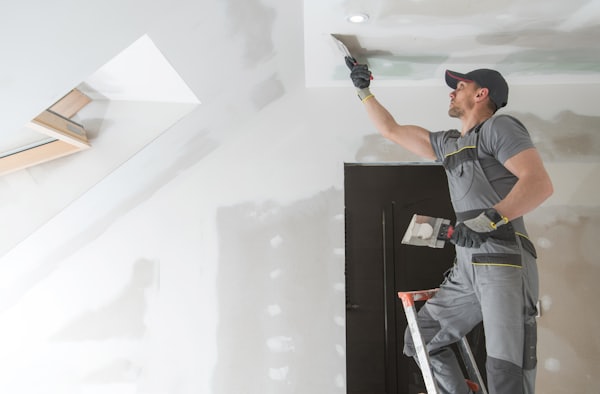
- ›Hanging sheets is manageable with a helper
- ›Taping and mudding (3 coats minimum) takes skill to get smooth
- ›Sanding drywall compound is messy — seal the room
Must-have tools
How to calculate drywall for a room
Enter each wall's length and height, along with the number of doors and windows. The calculator subtracts standard rough opening sizes automatically.
Choose your sheet size — 4×8 is standard, 4×12 works better for long wall runs and reduces seams.
Read the sheet count, joint compound (mud), tape, and screw estimates.
Add 10% for waste, cuts, and damaged corners. Partial sheets still count as full purchases at the store.
Common uses
- Finishing a basement or garage conversion
- Replacing drywall after water damage or renovation
- Estimating material for a new room addition
Frequently asked questions
How many sheets of drywall do I need for a 12×12 room?
What's the difference between 1/2-inch and 5/8-inch drywall?
How much joint compound do I need?
Should I hang drywall horizontally or vertically?
Do I need to tape all drywall seams?
Common mistakes to avoid
- ✕Not sealing the room before sanding — drywall compound dust is extremely fine. Hang plastic sheeting over every doorway first.
- ✕Skimping on mud coats — three coats minimum (tape, filler, skim). Rushing to two coats always shows ridges under paint.
- ✕Wrong thickness — 1/2" for standard walls; 5/8" is required by IRC for any wall adjacent to a garage.
- ✕Not marking outlet locations before hanging — retrofitting cuts in hung drywall is significantly harder.
Calculators you might also need
Not sure whether to DIY this project?
Read our project-by-project guide on when to hire a contractor vs. do it yourself.
About this calculator
Enter your wall dimensions to get the exact number of drywall sheets (4×8 or 4×12), gallons of joint compound, feet of tape, and screw count. Accounts for doors and windows.
All results are estimates. Verify quantities with your local supplier and confirm measurements before purchasing materials. Requirements vary by region and project type.
Runs entirely in your browser - no data is sent anywhere